SECURITY ALERT
Every iPhone app lives in its own box.
This one opens the others.
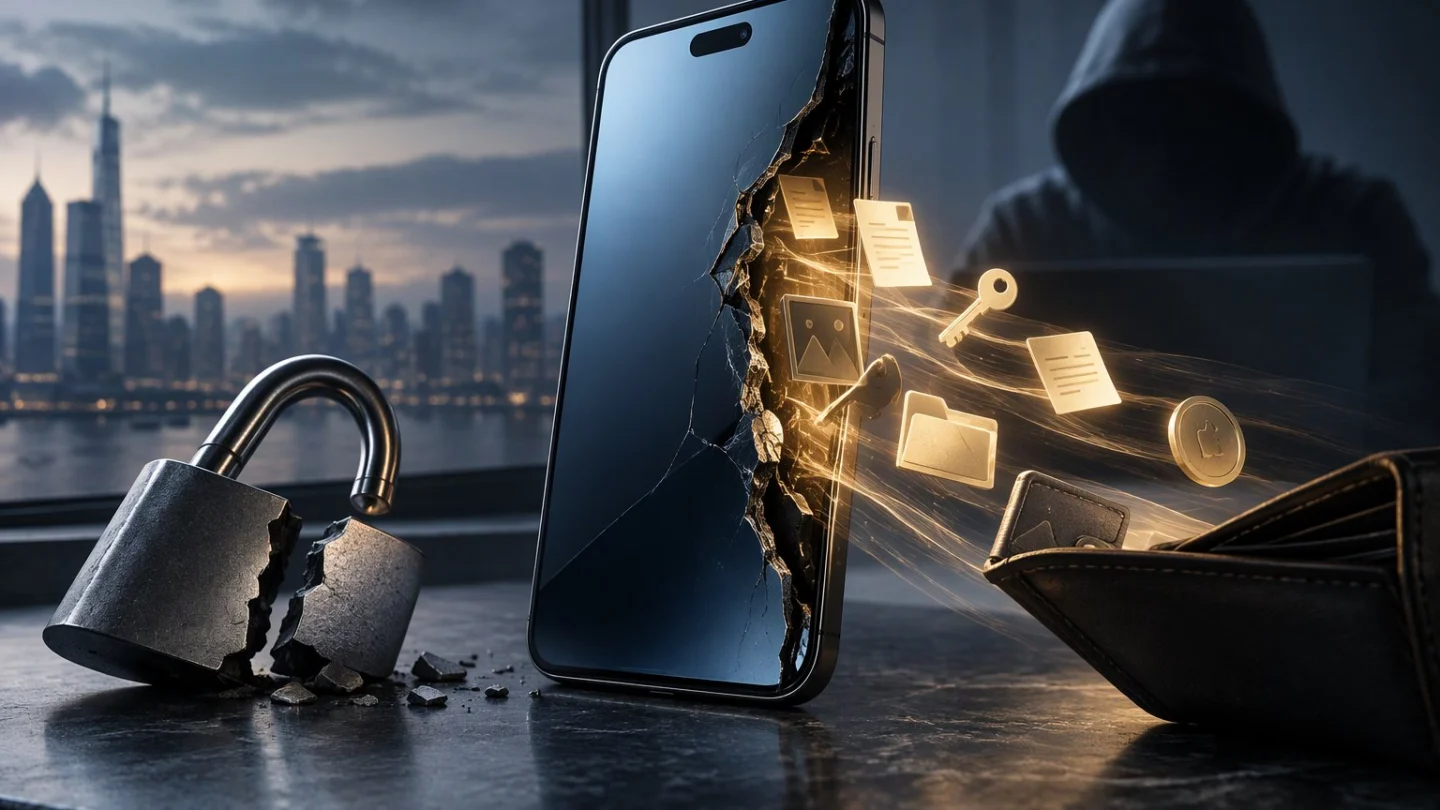
Binance has warned that an iOS flaw known as worse_query can let a malicious app read files stored by other apps on an iPhone, which could expose wallet seed phrases, private keys and login credentials, Decrypt and Cointelegraph reported on Tuesday.
No thefts using the flaw have been confirmed.
“This is an iOS-level issue, not unique to Binance,” the exchange said in its post on X.
What is known
Binance listed iOS 26.7.1, 27.0.1 and 27.2 as affected.
The flaw is a sandbox escape. The sandbox is the iOS rule that keeps each app from reading another app’s private files; an escape breaks that rule.
A researcher who posts as forcequitOS published worse_query on GitHub on Sunday, calling it a developer demo that “isn’t useful by itself”, Decrypt reported. The repository lists iOS 26.0 to 26.7.2 and 27.2 as targets.
The risk sits with wallets that keep secrets in plain text. 23pds, chief information security officer at SlowMist, said a malicious app could read mnemonic phrases or keystores only when a wallet keeps them unencrypted on the phone, PANews reported. The trigger, he said, is a user installing an app of unknown origin.
So which wallets store seeds that way?
What is not known
No exchange, researcher or app developer has named a wallet as exposed, The Hacker News reported.
Apple released iOS 27.2.1 and 26.7.3 on Monday. Their security notes do not mention worse_query. 23pds said updating to 27.2.1 would block it, according to Decrypt; Apple has not said so publicly.
A Binance spokesperson told Cointelegraph the company had identified no confirmed cases in which attackers used the bug to reach crypto wallets or steal funds.
Apps built on the code so far install by sideloading, outside the App Store. Nobody involved has said whether an App Store app could use it.
If the fix is not listed, how does a user know they have it?
Protect yourself
- Delete any app you installed from outside the App Store, including sideloaded or manually signed apps, as Binance advises.
- Update iOS and every app to the latest official version.
- Never keep a seed phrase in notes, screenshots or files on your phone. Read what a private key is if you are unsure what to protect.
- If you suspect a breach, set up a fresh wallet on a device you know is clean, move your funds there and log out of every active session.
Earlier on Tuesday, CryptoWatchDesk reported on NEAR AI’s SGLang disclosure, a different trust boundary failing. On 1 Nov it was a fake claim app in the Solana dApp Store.
How much of crypto’s security still rests on a phone keeping its apps apart?
Corrections and new evidence: [email protected]
Related: Separately, LNbits told Lightning wallet operators on 10 Nov that older versions put funds at risk
This article is for information only and is not investment advice.