

Hot vs Cold Wallets: Choosing the Right Crypto Storage
A hot wallet is convenient but online. A cold wallet is offline but slower to use. Understanding which to use, and when, is the single most important security decision you'll make.
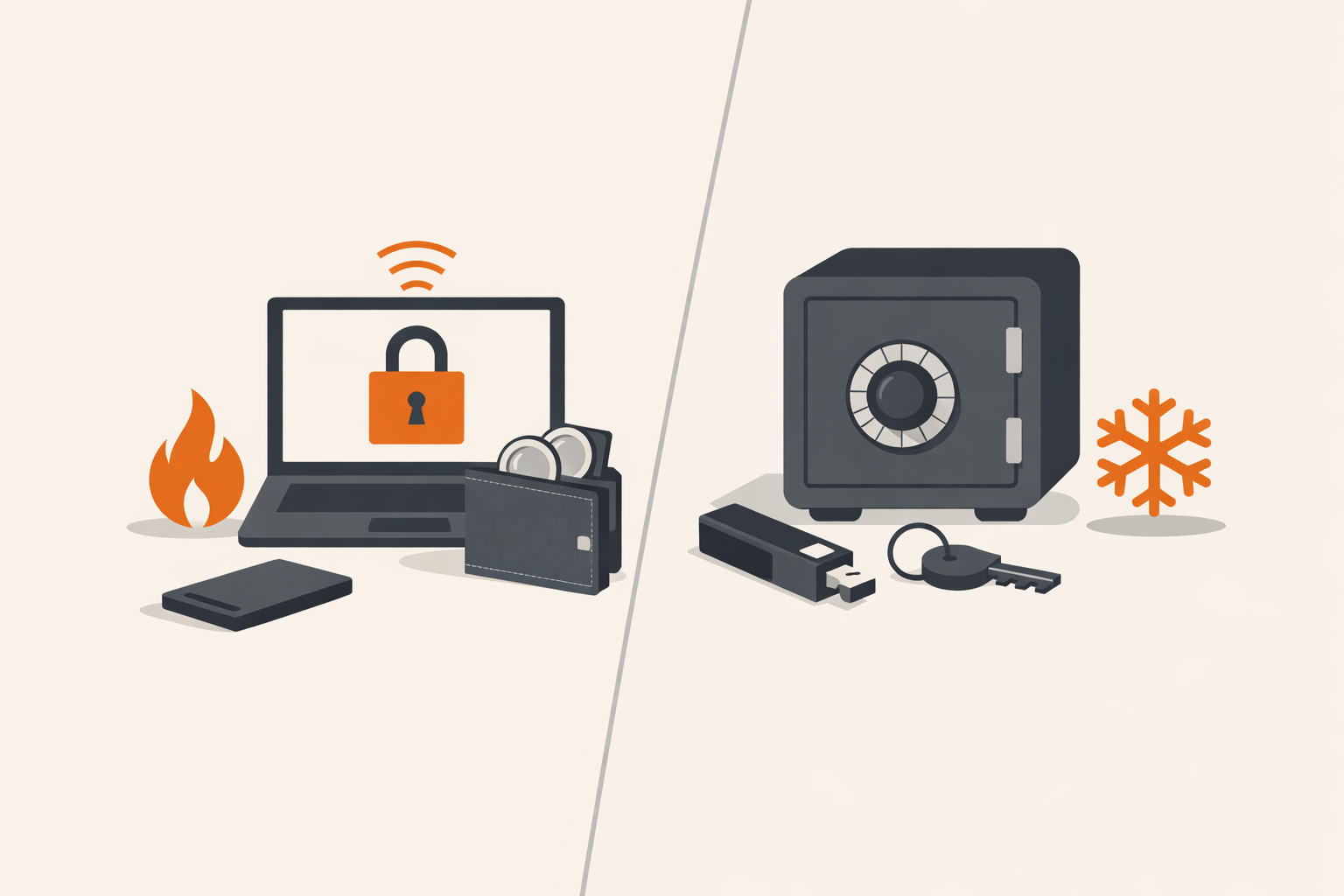
Every cryptocurrency wallet exists on a spectrum between two priorities: convenience and security. Hot wallets sit on the convenient end — fast, free, easy to use. Cold wallets sit on the secure end — slower, sometimes expensive, much harder to compromise. The right answer is rarely one or the other; most experienced holders use both.
What Is a Hot Wallet?
A hot wallet is any wallet whose private keys live on a device connected to the internet. That includes:
- Mobile apps like Phantom, Trust Wallet, or Rainbow
- Browser extensions like MetaMask
- Desktop wallets like Exodus
- Exchange-hosted custodial wallets (Coinbase, Binance — though these are actually accounts, not wallets you control)
The Trade-Off
Hot wallets are fast and free, which is why they're where active trading and DeFi interactions happen. The cost is exposure: if your phone is compromised, if you sign a malicious transaction, or if the wallet itself has a vulnerability, the attacker gets everything in that wallet.
What Is a Cold Wallet?
A cold wallet keeps private keys on a device that never touches the internet. The two common forms:
- Hardware wallets (Ledger, Trezor, Coldcard, Keystone) — small dedicated devices that sign transactions internally and only output the signed message. Plug into a computer or phone, but private keys never leave the device.
- Paper or metal wallets — your seed phrase written down or stamped into steel, with no associated device at all. Maximum security, maximum friction.
The defining security property of cold storage isn't the hardware — it's that the private key has never existed on an internet-connected machine.
How to Decide What Goes Where
Most people overthink this. A practical split:
- Hot wallet: amounts you'd be comfortable losing if your phone got stolen tomorrow. Spending money, DeFi positions, day trading.
- Cold wallet: long-term holdings you have no plans to touch this month. Treat it like a savings account.
Common Mistakes
Storing the Seed Phrase Digitally
Photographing your recovery phrase or saving it in a password manager defeats the entire point of cold storage. Anyone who compromises your cloud account now has your crypto.
Buying a Hardware Wallet From a Reseller
Buy directly from the manufacturer. Resold devices have been tampered with — there's a documented history of supply-chain attacks where the device's seed phrase is pre-known to the attacker.
Using the Same Wallet for Everything
If you sign a malicious transaction with your hot wallet, you can lose everything in it. If that's also where your savings live, you've lost your savings. Separation limits the blast radius.
The Multi-Wallet Setup Most Pros Use
- A small hot wallet for active use — DeFi, swaps, NFTs.
- A hardware wallet for long-term holdings, plugged in only when consolidating.
- A backup of the seed phrase stored physically in a second location, ideally on metal that survives fire and water.
This sounds elaborate but takes an afternoon to set up and protects against most realistic attack scenarios — phishing, device theft, fire, and casual hacking attempts.